Title: Built-In Barcode Labels & Live Inventory: Simplifying Backroom-to-Counter Retail Operations
Excerpt / Meta Description: Stop paying extra for standalone barcode software and disconnected inventory spreadsheets. Discover how Flux POS combines barcode label printing, live stock tracking, and counter checkout in one self-hosted app.
For small retail shops, bookstores, makers, and specialty boutiques, getting physical merchandise from the receiving box onto the shelf often takes three separate tools: a spreadsheet to log inventory, a desktop utility to generate barcode labels, and a separate register app to ring up sales. When those three systems don't talk to each other, stock counts drift and checkout slows down.
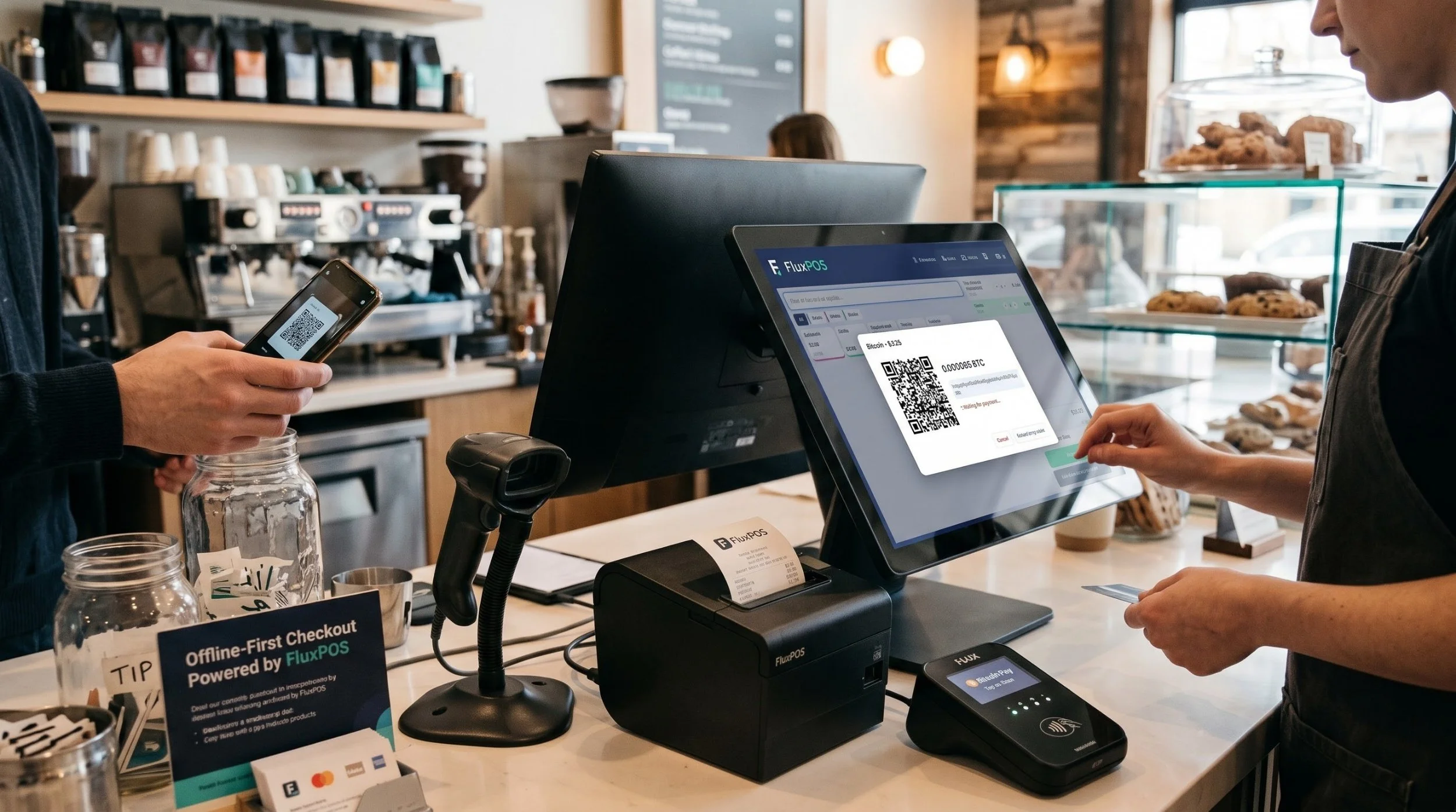
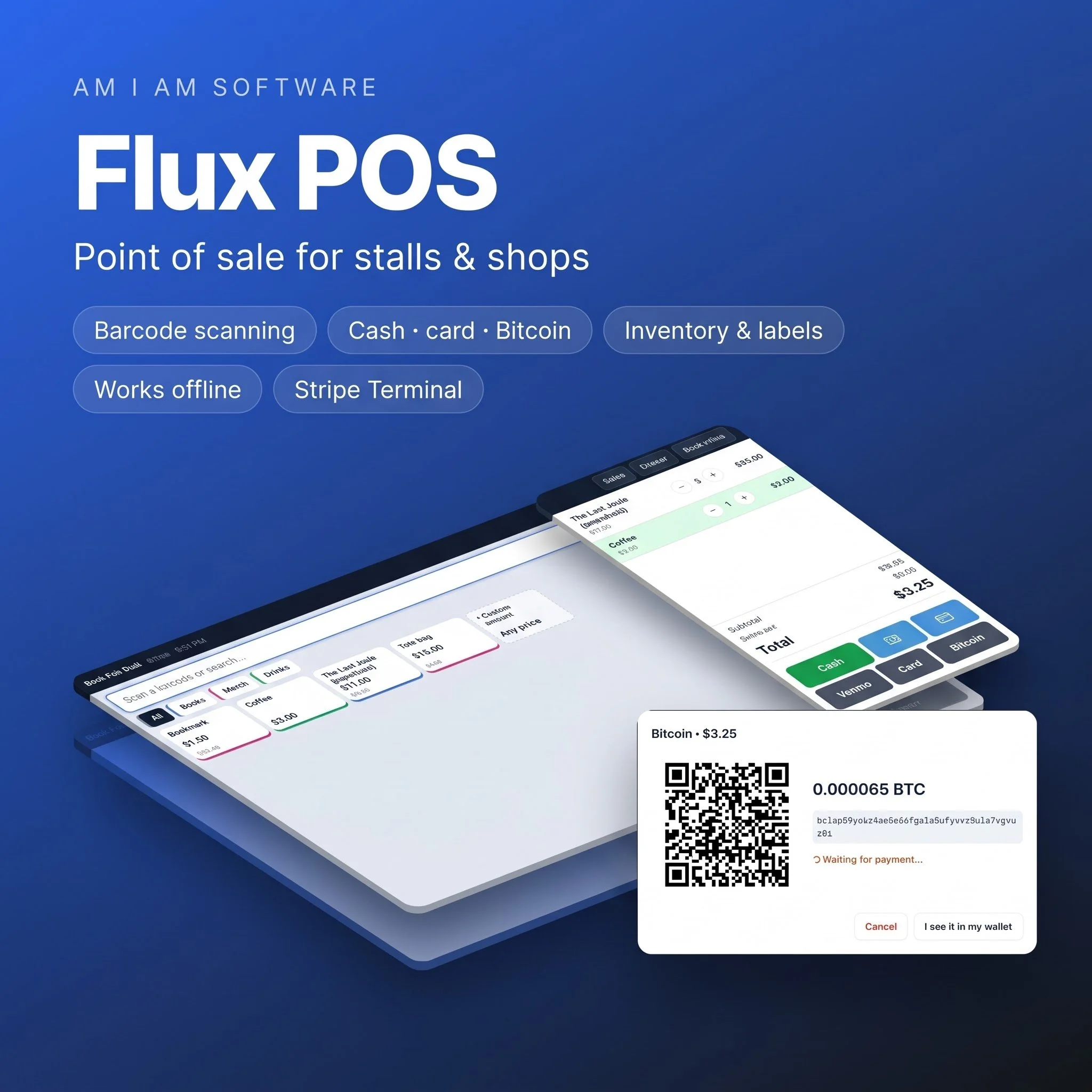
Flux POS, part of the self-hosted software ecosystem at Node Flux, unites point-of-sale checkout, live inventory control, and native barcode label printing inside a single self-hosted web application—with zero monthly SaaS fees.
1. Generate & Print Barcode Labels Straight from Your Catalog
Instead of exporting CSV files into clunky third-party label makers, Flux POS builds barcode generation directly into your product catalog:
One-Workflow Tagging: Add a new item or restock shipment, generate crisp scannable barcode labels directly from the app, and print tags for shelves, bins, or individual products.
Fast Scanner Checkout: Once tagged, any standard USB or Bluetooth barcode scanner rings items up at the register immediately without manual price lookups.
2. Backroom Stock Counts Connected Directly to the Counter
Every scan and sale at the front counter updates your inventory ledger automatically:
Real-Time Stock Adjustments: Completed checkouts deduct on-hand quantities in real time so your shelf counts match your database.
Clean Catalog Management: Organize SKUs, pricing, and stock levels in one searchable system rather than reconciling end-of-day register tapes against manual spreadsheets.
3. Self-Hosted Simplicity with One-Click Backups
Like every application in the Node Flux Store, Flux POS runs on standard PHP 8 hosting with SQLite (zero database setup required) or MySQL, and can even run offline on your local computer. A one-page installer gets you live in minutes, while one-click backups ensure your product catalog and sales history never leave your control.
Unify Your Counter & Backroom:
Get the standalone app on the Flux POS Product Page.
Browse all 28 self-hosted apps—including Flux POS, Flux Supply, Flux Ledger, and Flux Stay—in the Node Flux Store.
Explore self-hosted business tools at Node Flux, or discover mobile tools and digital editions on the Google Play Store.
